Children's Bible Lesson Generator
Pick an age group and a time, and get a short Bible lesson for your family or small group, with a story, questions, and an activity.
Saved on this device
Favorites are saved in this browser only. Nothing is stored on the website.
Children’s Bible Lesson Generator: Age-Based Bible Lessons in Minutes
Teaching children about God is one of the most important things a parent, grandparent, or teacher can do. But preparing one Bible lesson that works for a four-year-old and an eleven-year-old at the same time is hard. A story that holds a toddler’s attention can bore a pre-teen, and a discussion that challenges older kids can overwhelm the little ones. The Children’s Bible Lesson Generator on FaithAITools was built to solve that problem. Choose the age group, the lesson length, and the setting, and the tool builds a complete lesson you can use right away.
What the Generator Includes
The tool offers 70 Bible lessons from both the Old and New Testaments. Each lesson belongs to one of eight categories: Bible stories, Jesus’ life, parables, heroes of faith, character and kindness, prayer, the fruit of the Spirit, and holidays and seasons. Every lesson has a key idea, a memory verse, and a set of questions and activities for each age group.
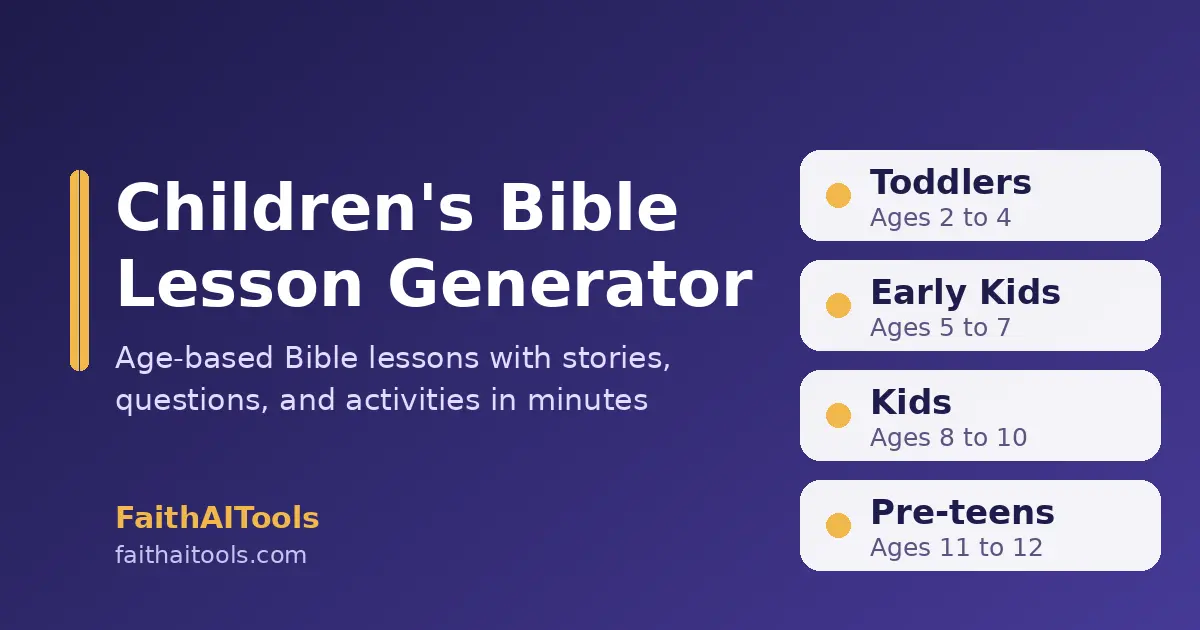
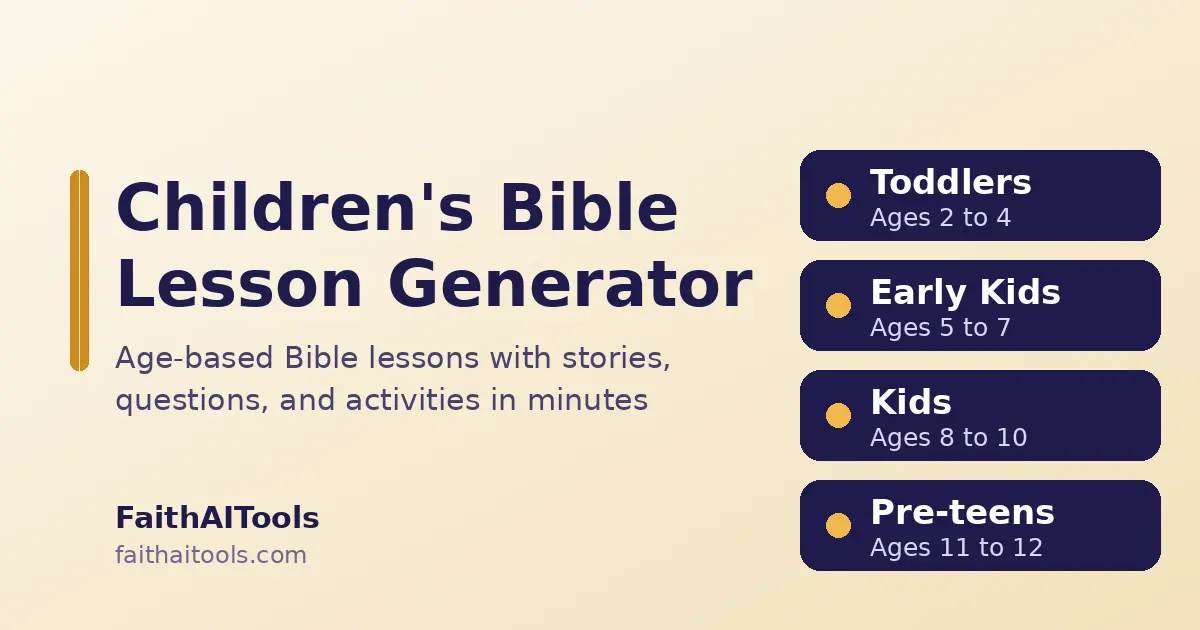
The heart of the tool is the four story versions. Toddlers, ages 2 to 4, get short, simple words and one clear truth. Early kids, ages 5 to 7, hear a fuller story with a little more detail. Kids, ages 8 to 10, get a richer retelling with historical context. Pre-teens, ages 11 to 12, receive a version that asks thoughtful questions about faith in daily life. Each lesson also includes a welcome line, an opening or closing prayer, a home activity for families, and a parent tip for the adult leading the session.
Activities are chosen to fit the room. The generator matches each activity to the age group, the setting (home, small group, class, or large group), the supplies you have, and the time you have. Pick a lesson length of 10, 15, 20, or 25 minutes, and the plan shows how long each part should take.
Safety Built Into Every Lesson
Children’s activities need extra care, so the generator applies safety rules automatically. Toddlers are never given activities with small parts or scissors. Food-related activities include an allergy warning and remind leaders to ask families about allergies first. These rules are built into the tool, so a busy leader does not have to remember them in the moment.
Tools for Home and Classroom
Beyond a single lesson, the generator includes a 7-day family plan. Choose an age group and a category, and the tool gives you seven short daily lessons for a week of devotions at home or in a children’s group.
Once a lesson is ready, you have several ways to use it. You can copy it, download it as a text file, or print it. You can have the story read aloud through your browser, which helps younger children who are still learning to read. You can email the lesson to a volunteer, or share it from a phone. If you want to plan ahead, the calendar button creates a file you can add to your calendar, with an option to repeat the lesson weekly for four weeks. Favorite lessons can be saved on your own device for quick access later.
Privacy matters when children are involved. The generator never asks for children’s names. Favorites are stored only in your own browser, not on the FaithAITools server.
Reading the Bible Accurately
Each memory verse is written in King James Version wording. Before you teach, read the full passage in your own Bible and check the verse against it. Online reading tools such as YouVersion’s Bible site or Bible Gateway are useful for comparing translations and reading surrounding verses. Reading the whole passage gives context that a short lesson cannot always provide, and it prepares you for questions a child might ask.
Related Tools on FaithAITools
Many families and teachers use more than one tool. If your older students are preparing for Sunday school, the Sunday School Lesson Generator offers lessons for a wider range of ages. If your church is planning a children’s event, the Church Announcement Generator can help you write a clear notice with the date, time, and location.
How to Get Started
Open the generator and choose the age group that fits the children in front of you. Pick a lesson length and a setting, then select a category your group is studying or a lesson that matches the season. Read the story version aloud once before the session, and pray over the lesson. Let the children take part in the activity, and then use the questions to see what they understood and to listen to what they share.
The tool gives you structure and ideas, but it cannot replace the work of the Holy Spirit in a child’s heart. The love you show, the questions you ask, and the time you give are what bring a lesson to life.